

Key Takeaways
Smart Doorbell / Security Camera
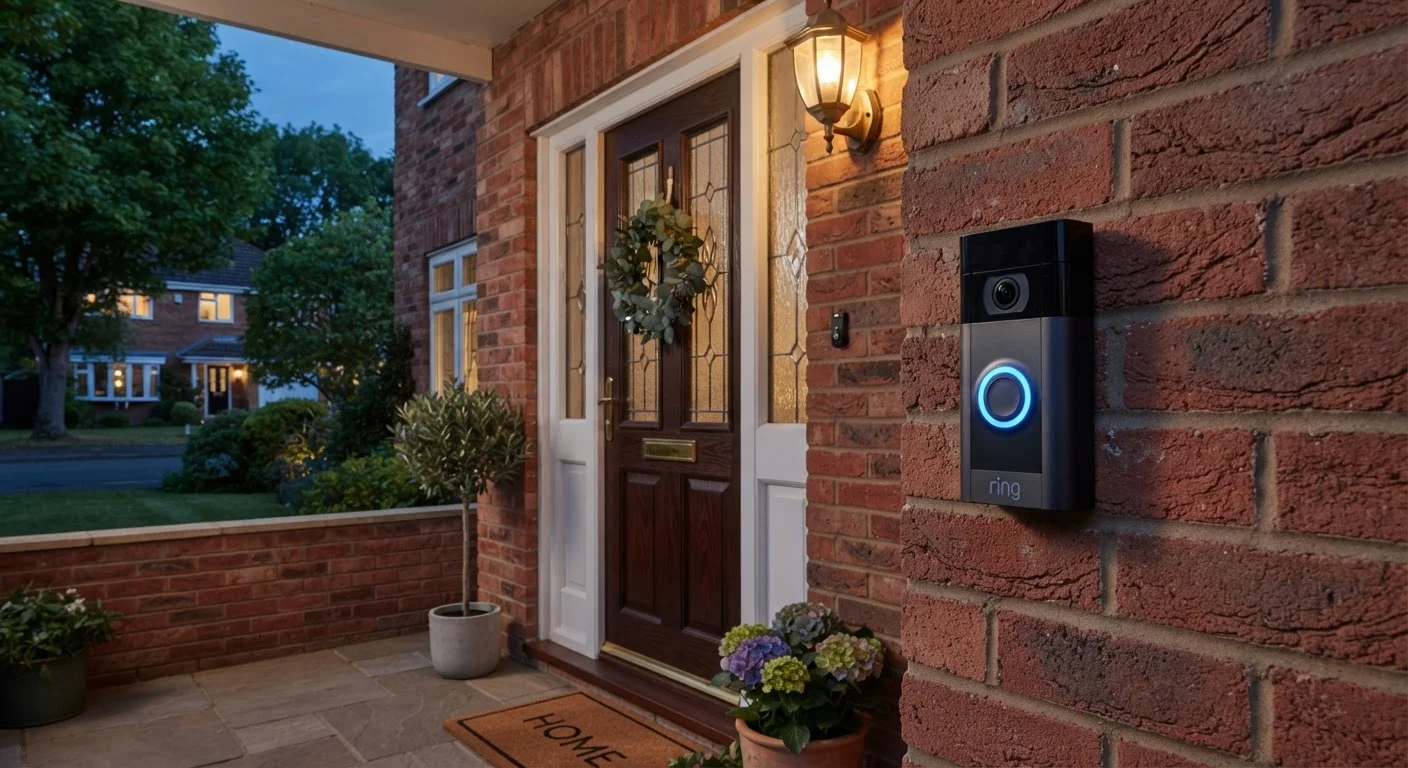
A smart doorbell or security camera is a Wi-Fi-connected device that captures video and audio, detects motion, and sends alerts to your smartphone or other devices. Unlike traditional cameras, these devices process footage digitally and can transmit it over the internet for remote viewing or cloud storage. Most include built-in microphones and speakers for two-way communication.
Many modern devices use onboard image signal processors (ISPs) to perform initial video compression - typically H.264 or H.265 encoding - before transmitting data over the network, reducing bandwidth load.
From Lens to Your Phone: The Signal Chain
When a smart doorbell or security camera captures an image, it starts with a CMOS image sensor - the same fundamental technology in smartphone cameras - converting light into a digital signal. That raw signal is immediately processed by the camera's onboard chip, which applies compression (commonly H.264 encoding) to make the file size manageable for transmission over your Wi-Fi network.
The compressed video stream is sent over your home router to the internet, where it reaches the camera manufacturer's cloud servers or stays on a local storage device. This entire process happens in near-real time, which is why you can open an app and watch a live feed from anywhere with a data connection.
Understanding this chain matters because every link introduces a potential point of failure - a weak Wi-Fi signal, a congested network, or a cloud server outage can all interrupt what seems like a simple "watch your front door" feature. See our guide to smart device disconnections for a practical look at what breaks that chain and how to fix it.
How Motion Detection Actually Triggers Recording
Most smart cameras don't record continuously - that would consume enormous storage and bandwidth. Instead, they rely on motion detection to start a clip. Two technologies dominate this space:
- Passive Infrared (PIR) sensors detect changes in heat signatures in the camera's field of view. When a warm body (a person, animal, or car engine) moves through the zone, the sensor triggers recording. PIR is generally reliable and power-efficient, which is why battery-powered cameras prefer it.
- Pixel-difference analysis compares consecutive video frames mathematically. If enough pixels change between frames, the camera flags it as motion. This method is purely software-based and can generate more false positives from shadows or rain.
Higher-end devices combine both approaches and add AI-based classification - processing frame data on the camera itself to distinguish a person from a dog or a passing car before sending any alert. This reduces notification fatigue significantly.
2-4 Mbps
Typical upload bandwidth per 1080p camera
Network engineers generally recommend provisioning at least this much sustained upload speed per active camera for reliable live streaming.
H.264 / H.265
Most common video compression codecs used
H.265 (HEVC) can reduce file size by roughly 50% compared to H.264 at equivalent quality, according to industry codec documentation.
5-30 sec
Typical motion alert notification delay
Latency depends on detection method, upload speed, and cloud server processing time; wired cameras with local processing tend to be faster.
Cloud Storage vs. Local Storage: What's Actually Different
Once a clip is recorded, it has to go somewhere. The two main options have real trade-offs beyond just cost.
Cloud storage uploads encrypted footage to the manufacturer's servers. Advantages include access from anywhere, footage survival if the camera is stolen or damaged, and easy sharing with law enforcement if needed. The downsides are a recurring subscription fee, dependence on your upload bandwidth, and the fact that your footage exists on servers you don't control.
Local storage writes footage to a microSD card inside the camera or to a network-attached storage (NAS) device on your home network. There's no ongoing fee and no third-party access - but if the camera is stolen, so is the footage. Local storage also requires you to manage capacity and occasionally replace hardware.
Some devices support both simultaneously, treating local storage as a backup when cloud connectivity is interrupted. For a broader look at how these devices fit into a connected home, see what a smart home actually is.
Check Your Upload Speed Before Adding Cameras
Multiple cameras streaming simultaneously can saturate a home network's upload bandwidth, causing degraded quality or dropped connections. Run a speed test focused on upload speed - not just download - and account for roughly 2-4 Mbps per 1080p camera running concurrently. If your plan's upload capacity is limited, prioritize local storage or stagger live-view usage.
Security, Privacy, and Network Considerations
A camera pointed at your home's entrance is only as secure as the network it sits on. Smart cameras typically use TLS (Transport Layer Security) to encrypt video in transit between the device and the cloud. Many manufacturers also offer end-to-end encryption, meaning even the company's servers can't decrypt your footage without your credentials.
Despite this, cameras represent a real network entry point. A poorly secured device can be exploited to access other things on your home network. Before adding any camera, it's worth reviewing your router's settings, enabling network segmentation if available, and ensuring you're running firmware updates. Our article on home network security basics covers the specific configurations worth checking first.
Resolution, field of view (measured in degrees), and night vision type (infrared LED vs. color night vision using ambient light amplification) all affect how actionable recorded footage is. A wide field of view captures more area but can reduce detail at the edges. Higher resolution preserves detail at greater distances - relevant when you need footage to actually be useful rather than just a blur.
Firmware Updates Matter for Camera Security
Camera manufacturers regularly release firmware updates that patch discovered vulnerabilities. Unlike computers, smart cameras don't always update automatically by default. Check your camera app's settings to enable auto-updates, or periodically verify the firmware version manually. An outdated camera is a more attractive target for network intrusion.