

| Common wireless protocols | Wi-Fi, Zigbee, Z-Wave, Thread, Bluetooth |
| Matter standard finalized | 2022 (Connectivity Standards Alliance) |
| Wi-Fi 6 maximum theoretical speed | Up to 9.6 Gbps (shared across devices) (IEEE 802.11ax specification) |
| Typical smart home hub range (Zigbee) | Up to ~100 ft per node; extendable via mesh |
| Local vs. cloud control | Local = faster, works without internet; Cloud = remote access enabled |
| Z-Wave U.S. frequency | 908.42 MHz (Z-Wave Alliance specification) |
Why This Glossary Exists
Setting up a connected home means encountering a wave of acronyms and technical terms - often with no explanation attached. Product listings reference protocols like Zigbee or Z-Wave. Router packaging talks about Wi-Fi 6 and mesh networks. App interfaces mention IP addresses and hubs. Without a working vocabulary, it's hard to know whether two devices will even work together, let alone how to get the most out of them.
This reference guide cuts through that noise. Each term below is defined in plain English, with enough context to help you make informed decisions - whether you're setting up your first smart device or troubleshooting a multi-room system. For a broader look at what smart home technology actually delivers (and where expectations often overshoot reality), see what truly makes a home 'smart'.
IP Address
A numerical label assigned to every device on a network, functioning like a postal address. In a home network, your router assigns a local IP address to each connected device so they can send and receive data correctly.
Mesh Network
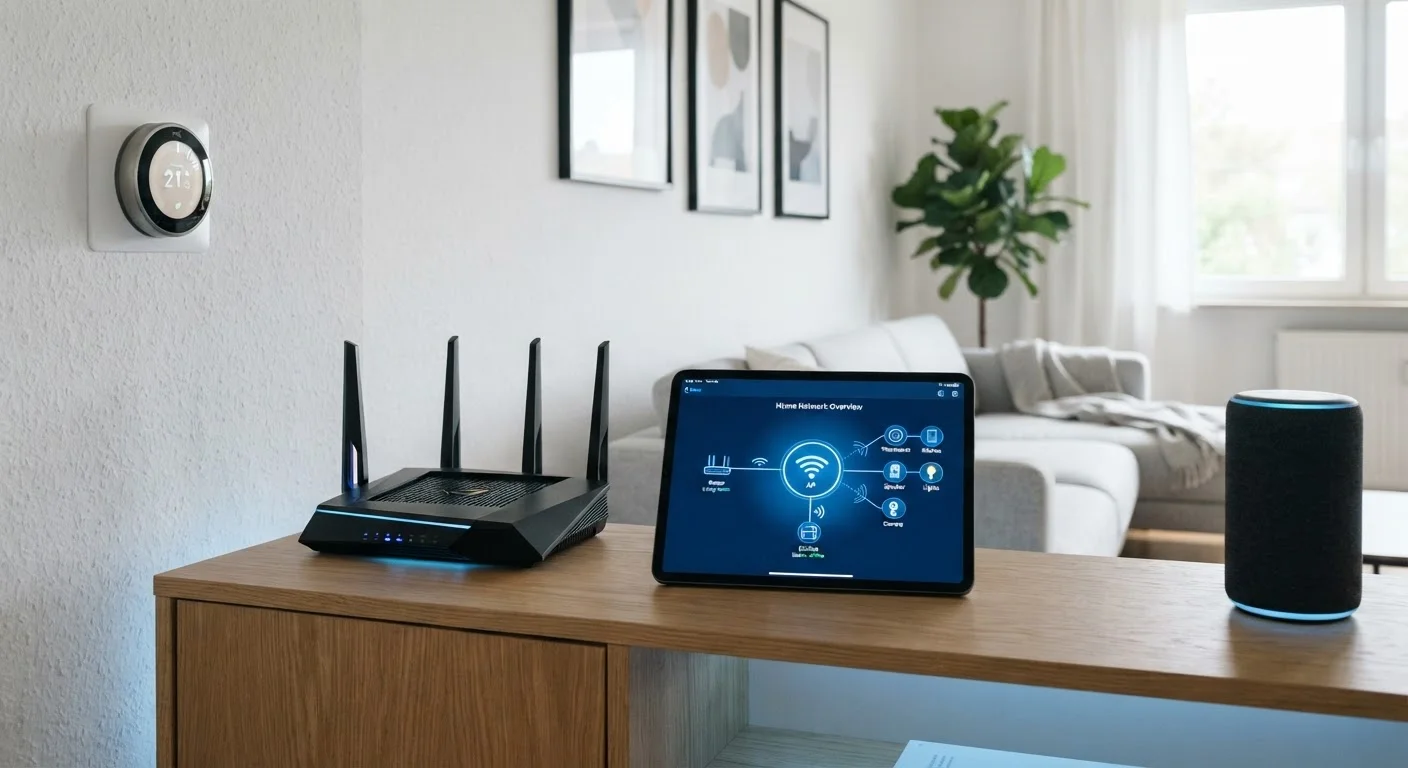
A system of multiple linked nodes (small wireless access points) that work together to distribute Wi-Fi coverage evenly throughout a home. Unlike a single router, mesh systems reduce dead zones by passing the signal from node to node.
Zigbee
A low-power wireless communication protocol used by many smart home devices including lights, sensors, and locks. Zigbee devices form a self-healing mesh: each device can relay signals to others, extending the network's range.
Z-Wave
A wireless protocol similar in purpose to Zigbee but operating on a different radio frequency (typically 908 MHz in the U.S.), which reduces interference with Wi-Fi. Z-Wave is commonly used in security systems and smart locks.
Matter
An open connectivity standard, finalized in 2022, designed to let smart home devices from different manufacturers work together without proprietary hubs. Devices certified for Matter can be controlled by multiple ecosystems simultaneously.
Thread
A low-power mesh networking protocol that serves as the underlying radio technology for Matter-compatible devices. Thread requires a Thread Border Router - often built into a smart speaker or hub - to connect to the broader internet.
Hub (or Bridge)
A central device that translates communication between different protocols so that a single app or voice assistant can control devices that otherwise wouldn't understand each other. Some hubs also provide local control independent of the cloud.
Smart Speaker / Voice Assistant
A networked speaker with a built-in voice assistant (such as Alexa, Google Assistant, or Siri) that lets you control compatible smart home devices using spoken commands. Many also act as Thread Border Routers or Zigbee hubs.
Automation
A pre-programmed rule that triggers one or more device actions automatically, without manual input. For example: 'When the front door sensor opens after sunset, turn on the entryway light.'
Wi-Fi 6 (802.11ax)
The sixth major generation of Wi-Fi technology, offering higher throughput, better performance in environments with many connected devices, and improved energy efficiency. It is backward compatible with older Wi-Fi devices.
SSID
Short for Service Set Identifier - the name of a Wi-Fi network as it appears on your device's list of available connections. Routers broadcast one or more SSIDs; separate SSIDs for 2.4 GHz and 5 GHz bands are common.
Latency
The time it takes for a command or data packet to travel from one point to another, measured in milliseconds. Low latency is important for real-time applications like video calls, security camera feeds, and voice-controlled automations.
Key Concepts at a Glance
Beyond individual term definitions, it helps to understand how these concepts relate to each other. A few organizing ideas make the whole landscape easier to navigate.
| Common wireless protocols | Wi-Fi, Zigbee, Z-Wave, Thread, Bluetooth |
| Matter standard finalized | 2022 (Connectivity Standards Alliance) |
| Wi-Fi 6 maximum theoretical speed | Up to 9.6 Gbps (shared across devices) (IEEE 802.11ax specification) |
| Typical smart home hub range (Zigbee) | Up to ~100 ft per node; extendable via mesh |
| Local vs. cloud control | Local = faster, works without internet; Cloud = remote access enabled |
| Z-Wave U.S. frequency | 908.42 MHz (Z-Wave Alliance specification) |
Wireless Protocols: The Language Devices Speak
Wi-Fi, Zigbee, Z-Wave, Thread, and Bluetooth are all wireless communication protocols - each with different trade-offs in range, power consumption, and device compatibility. Wi-Fi connects devices directly to your router using your home's existing internet infrastructure. Zigbee and Z-Wave create their own low-power mesh networks, meaning devices relay signals to each other rather than relying on a single router. Thread is a newer protocol underpinning the Matter standard, designed to be more reliable and interoperable. Bluetooth is best suited for short-range, direct device-to-device communication.
Hubs, Bridges, and Routers: Not the Same Thing
A router connects your home to the internet and distributes that connection to devices over Wi-Fi. A hub (also called a bridge in some ecosystems) is a dedicated device that translates commands between protocols - for example, letting a Zigbee light bulb respond to a smartphone app that communicates over Wi-Fi. Not every smart home needs a hub; Wi-Fi and Bluetooth devices often connect directly to your router. But if you're mixing protocols, a hub becomes essential. If you want to understand your home's underlying network infrastructure more broadly, this plain-language internet primer covers how home connections work from the ground up.
Local vs. Cloud Control
Some smart devices process commands locally - on a hub inside your home - while others send every request to a manufacturer's server (the cloud) and back. Local control is faster and keeps working if your internet goes down. Cloud-dependent devices may stop responding during an outage. Many modern systems use a hybrid: local control for speed, cloud for remote access and software updates. Knowing which model a device uses can help you avoid surprises.
When you're ready to move from individual devices to a coherent system, planning a connected home setup that can grow over time walks through how to keep things manageable as your setup expands.