

Key Takeaways
Why Carrier Switches Go Wrong - and How to Avoid It
Most carrier-switch problems share a common cause: people cancel their old account before their number has safely moved. Understanding the mechanics of number porting - the federally protected process that lets you take your phone number to a new provider - helps you avoid that mistake and a handful of other common pitfalls.
Under FCC rules, carriers are required to port your number when you request it, as long as your account is in good standing. The process is initiated by the new carrier, not you directly, which is why your old account must stay open throughout. Closing it early can orphan your number.
Device locking is the other major friction point. A phone purchased through a carrier may be software-locked to that carrier's network. Even if your number ports successfully, a locked phone will not activate on the new carrier's SIM. Sorting out the unlock before you start saves significant back-and-forth later.
What you will need
If you are also thinking about switching your home internet service, many of the same timing principles apply - see switching internet providers without losing service for a parallel walkthrough.
Step-by-Step: How to Switch Carriers and Keep Your Number
Account number and PIN
Required by the new carrier to submit a number port request on your behalf.
Unlocked or compatible device
A locked phone will not activate on a new carrier's network without being unlocked first.
New carrier SIM card or eSIM profile
The physical or digital SIM provided by the new carrier to connect your device to their network.
Wi-Fi connection
Useful during the porting window so you can still communicate if cellular service is briefly interrupted.
Check your device's lock status
A phone sold through a carrier is often locked - meaning it will only work on that carrier's network. Before you do anything else, confirm whether your phone is locked or unlocked. You can usually find this under Settings > General > About on iOS, or by checking Settings > Connections > SIM card manager on Android. If the phone shows as locked, contact your current carrier to request an unlock. Most carriers are required by FCC policy to unlock eligible devices upon request, though specific eligibility conditions - such as how long you've owned the device - vary by carrier.
Gather your account credentials
To move your number, you will need your account number and your account PIN or transfer passcode from your current carrier. These are not the same as your phone's lock-screen PIN. Look for your account number on a recent bill, your carrier's app, or by calling customer service. Some carriers issue a separate number transfer PIN - request one through your carrier's website or app if required.
Review any outstanding financial obligations
If your phone is being paid off through a carrier installment plan, leaving early may trigger an immediate payoff demand for the remaining balance. Review your current contract or billing statement carefully. Some carriers also charge an early termination fee (ETF) if you are still within a service agreement period. Factor these costs into your decision before signing up with a new carrier. For a fuller picture of how installment plans work versus buying outright, see our guide on phone financing options.
Sign up with the new carrier - but keep your old account active
Create your account with the new carrier and select your plan. When prompted, choose the option to transfer (port) your existing number rather than getting a new one. You will be asked to provide your current account number and PIN. Do not cancel your old service at this stage - the porting process itself will trigger the deactivation on the old carrier once it is complete. Before committing, it is worth reviewing what to check before signing a new carrier contract to avoid surprises.
Wait for the port to complete, then activate your new SIM
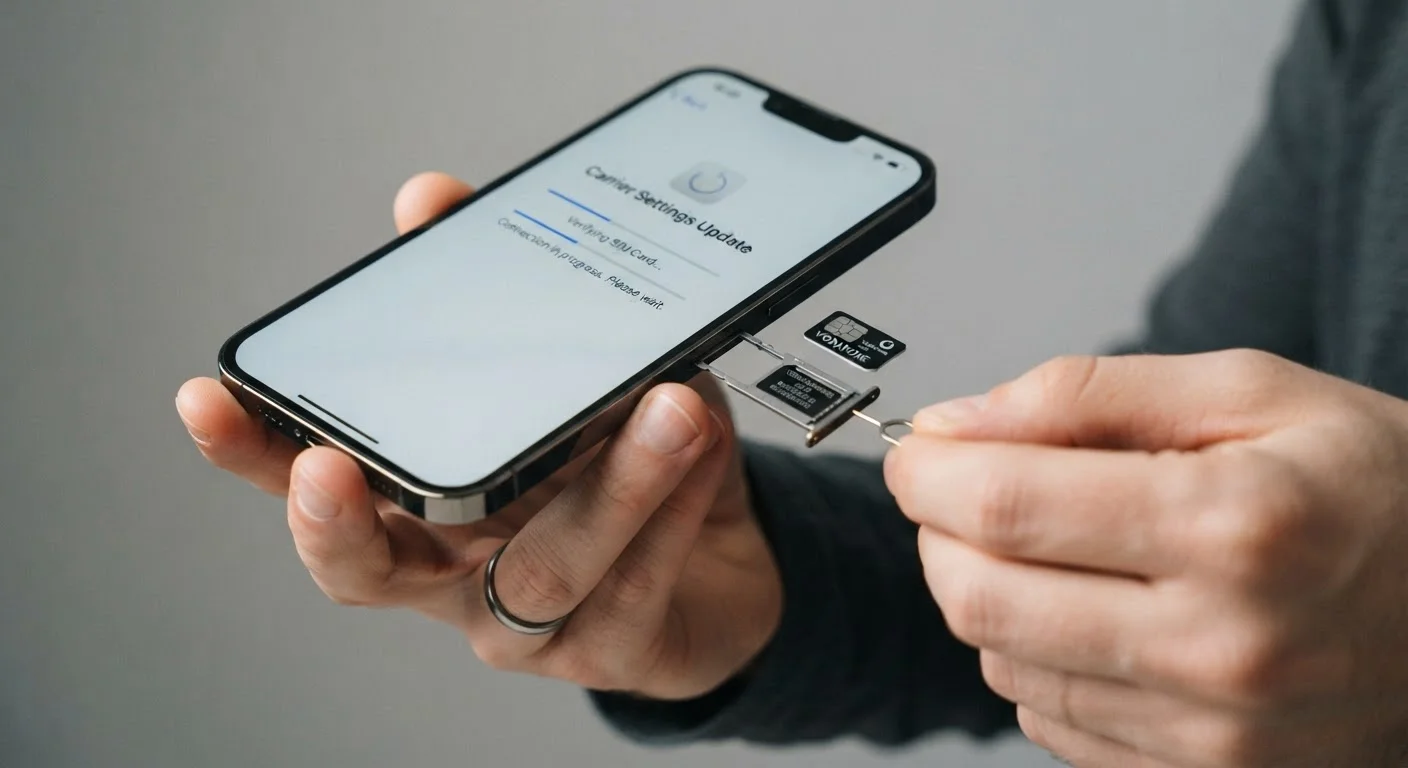
Number porting typically completes within a few minutes to several hours. In rare cases, it can take up to one business day. You may notice a brief period - often just seconds - where your phone shows no signal. Once your new carrier confirms the port is complete, insert the new SIM card (or activate the eSIM profile) and restart your device. Make a test call and send a test message to confirm everything is working. Your old account will be closed automatically by your previous carrier once the number has left their network.
Wipe and secure your old device if you are trading it in
If you are handing your old phone to the new carrier as a trade-in, or selling it privately, perform a full factory reset and remove your accounts before doing so. For data security best practices before a trade-in, see keeping personal data safe when you upgrade or trade in a phone. A factory reset alone may not be sufficient on all devices - consult your phone manufacturer's guidance for a thorough wipe.
Confirm Coverage Before You Commit
A carrier's advertised coverage map and your real-world signal at home, work, or your most-traveled routes can differ meaningfully. Ask the new carrier about trial periods or check independent coverage tools before porting your number. Switching back after the fact is possible but creates unnecessary hassle.
Once your new service is live and your number is confirmed, double-check that voicemail, mobile data, and any Wi-Fi calling features are set up correctly on the new account. Settings do not always transfer automatically - particularly voicemail greetings and data roaming preferences.
Common Questions and Edge Cases
What if my port request gets rejected? Rejections usually happen because the account number or PIN submitted does not match what is on file with the old carrier. Contact your old carrier, verify the credentials, and resubmit. Do not panic - your number is still on the old carrier until the port succeeds.
Can I port a number from a prepaid account? Yes. Prepaid accounts port the same way as postpaid ones. Make sure the prepaid account has a positive balance and is active at the time of the port.
What about family or group plans? You can port individual lines out of a family plan without closing the entire account. The primary account holder may need to authorize the port, depending on the carrier's policy.
Will my contacts, apps, and photos transfer? No - porting moves your phone number, not your phone's data. Back up your device to cloud storage or a computer before switching, especially if you are also changing devices.