

Key Takeaways
Data Cap
A data cap is a limit set by an internet service provider (ISP) on how much data a household can send and receive in a billing month. Once that threshold is crossed, the ISP may slow your connection, charge an overage fee, or both. Data caps are measured in gigabytes (GB) or terabytes (TB) and apply to all devices using the same home network.
ISPs measure data consumption at the gateway level - meaning every byte transferred to or from your modem counts against your cap, regardless of which device or app generated the traffic.
How ISPs Measure Data Usage
Every action you take online - loading a webpage, sending an email, joining a video call, or downloading a file - involves transferring data across your connection. ISPs measure this traffic in gigabytes (GB), with 1,000 GB equaling one terabyte (TB). Your modem acts as the measurement point: all inbound and outbound traffic is counted, and that total accumulates throughout your billing cycle.
It's worth noting that data caps apply to actual data transferred, not time spent online. A low-activity session browsing text-heavy websites might use a fraction of a gigabyte in an hour. Streaming a 4K movie during the same hour could consume 7 GB or more. Your usage pattern - not simply how long you're connected - determines how quickly you approach your limit.
1.2 TB
Comcast's standard monthly data cap
Comcast, one of the largest U.S. cable ISPs, enforces a 1.2 TB monthly data allowance on most residential plans before overage charges apply.
7-10 GB
Data used per hour of 4K streaming
Streaming services such as Netflix report that 4K Ultra HD playback can consume between 7 and 10 gigabytes per hour of viewing.
~1 TB
Average U.S. household monthly data use
According to OpenVault's broadband insights reports, the average U.S. broadband household has crossed the 1 terabyte monthly usage threshold in recent years.
What Happens When You Hit the Limit
ISPs handle cap overages in one of three ways. The most common approach is throttling - automatically reducing your connection speed to a fraction of its normal rate for the remainder of the billing period. Speeds as low as 1-3 Mbps can make streaming or video calls nearly unusable.
The second approach is overage fees, where you're charged a set amount - often around $10-$15 - for each additional block of data (typically 50 GB) you use beyond the cap. These charges can add up quickly in a heavy-use household. Some ISPs combine both methods, throttling first and then offering paid data add-ons.
A third model, less punitive but still limiting, involves soft deprioritization - your connection remains at full speed unless the network is congested, at which point over-limit users are slowed before others. This is more common on mobile and fixed wireless networks.
Set Up Usage Alerts Before You Hit the Cap
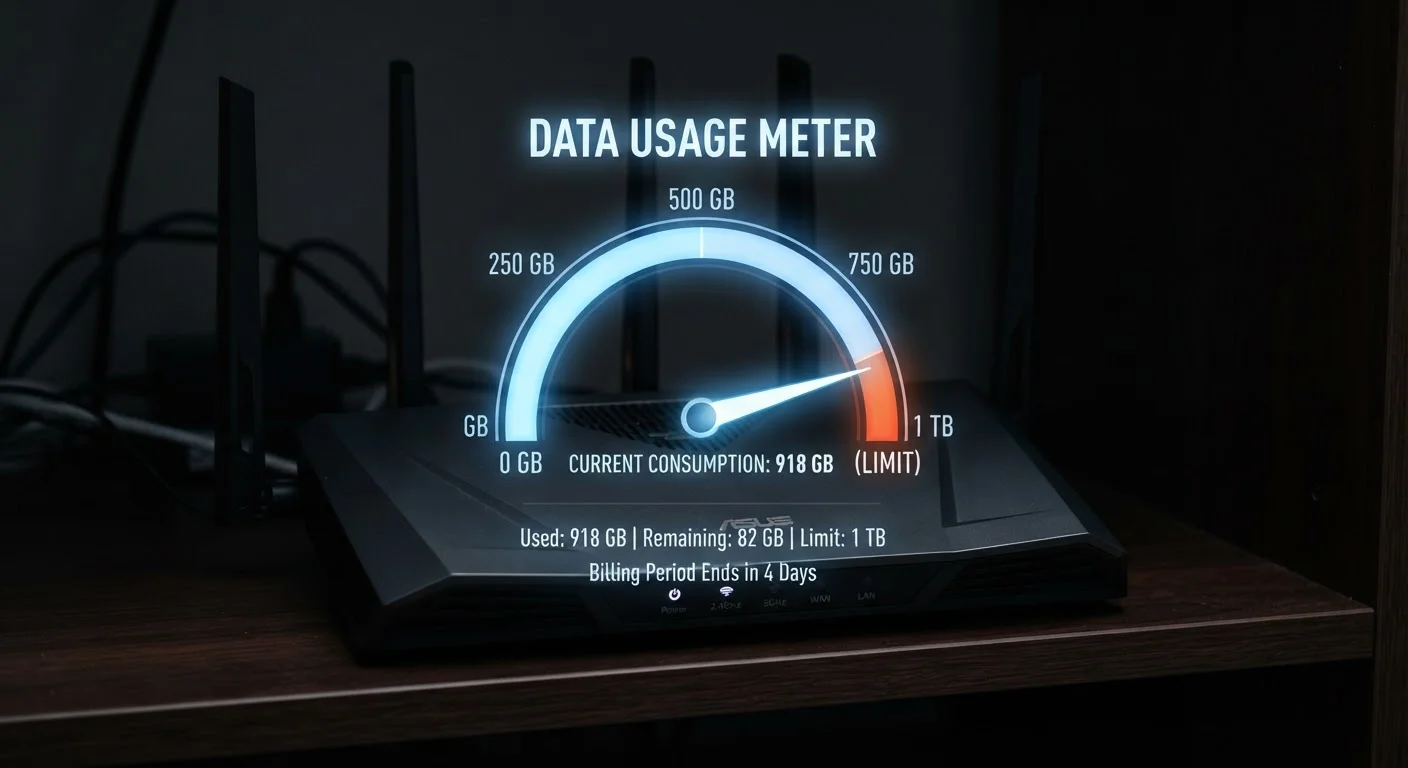
Most ISPs allow you to configure email or text alerts when your usage reaches a set percentage of your monthly limit - typically 75% or 90%. Enabling these notifications through your account portal gives you time to adjust habits before throttling or fees kick in. Some providers also offer a usage widget or app widget that displays your current consumption at a glance.
Which Activities Consume the Most Data
Understanding where your data goes is the most practical step toward managing a capped plan. Video streaming dominates household consumption for most users. Here's a general breakdown by activity type:
- 4K video streaming: approximately 7-10 GB per hour
- HD video streaming (1080p): approximately 3 GB per hour
- Video calling (HD): approximately 1.5-2.5 GB per hour
- Online gaming: typically 40-150 MB per hour (the download, not game updates)
- Music streaming: roughly 60-150 MB per hour depending on quality
- Web browsing / email: usually under 100 MB per hour
Large one-time events - such as downloading operating system updates, game installs (some exceed 100 GB), or backing up files to cloud storage - can spike your usage significantly. These are worth scheduling for off-peak times if your ISP offers an off-peak exemption window. To understand how speed tiers interact with these usage demands, see what internet speed you actually need at home.
When Data Caps Actually Affect Your Household
Not every household with a data cap will feel its impact. A one- or two-person household that primarily browses the web, checks email, and streams HD video occasionally may comfortably stay within a 1 TB monthly cap. But household size and streaming habits change the math quickly.
A family of four with multiple simultaneous streams, a remote worker on video calls, and a gamer downloading large updates could realistically use 1.5-2 TB per month or more. For these households, a cap isn't an abstract policy - it's a recurring friction point.
If you're evaluating a new plan, reviewing the data cap terms before signing matters as much as the advertised speed. Our article on things worth checking before signing an internet contract covers the key policy details to look for. It's also worth knowing that upload-heavy activities - cloud backups, video conferencing, content creation - count against your cap just like downloads do. For more on that dimension, see our explainer on download vs. upload speed.
A remote worker streams two hours of HD video each evening and spends eight hours daily on video calls for work.
A family of four uses a shared internet plan with a 1.2 TB data cap. Two kids stream 4K content in separate rooms most evenings.
A retired couple uses the internet primarily for email, video calls with family once a week, and casual web browsing.