

Key Takeaways
Option A
Physical SIM
The familiar, tangible standard that has connected phones for decades.
Best for: Travelers who need to swap local SIM cards, users with older or budget devices, or anyone who prefers a hands-on setup process.
Option B
eSIM
The embedded, software-based alternative that eliminates the physical card entirely.
Best for: People who switch carriers frequently, international travelers managing multiple numbers, or anyone using a recent flagship smartphone.
If you frequently travel internationally and want to add local data plans without swapping cards
eSIM
eSIM lets you download a local carrier profile remotely in minutes, eliminating the need to carry or risk losing physical SIM cards abroad.
If you use a budget smartphone or a device more than a few years old
Physical SIM
eSIM support is limited to relatively recent mid-range and flagship devices, so a physical SIM remains the practical choice for older hardware.
If you want to trial a new carrier quickly without committing long-term
eSIM
Downloading a new carrier profile takes minutes and doesn't require a store visit or waiting for a card to arrive by mail.
If you're in a region or on a carrier that doesn't yet fully support eSIM activation
Physical SIM
Not every carrier - especially smaller regional providers and some MVNOs - offers eSIM provisioning, making a physical card the more reliable fallback.
If you need two active lines on one device - for example, a personal and work number
eSIM
Dual-SIM phones that pair an eSIM with a physical SIM slot, or two eSIM profiles, allow both lines to stay active simultaneously without a second device.
What Each Format Actually Is
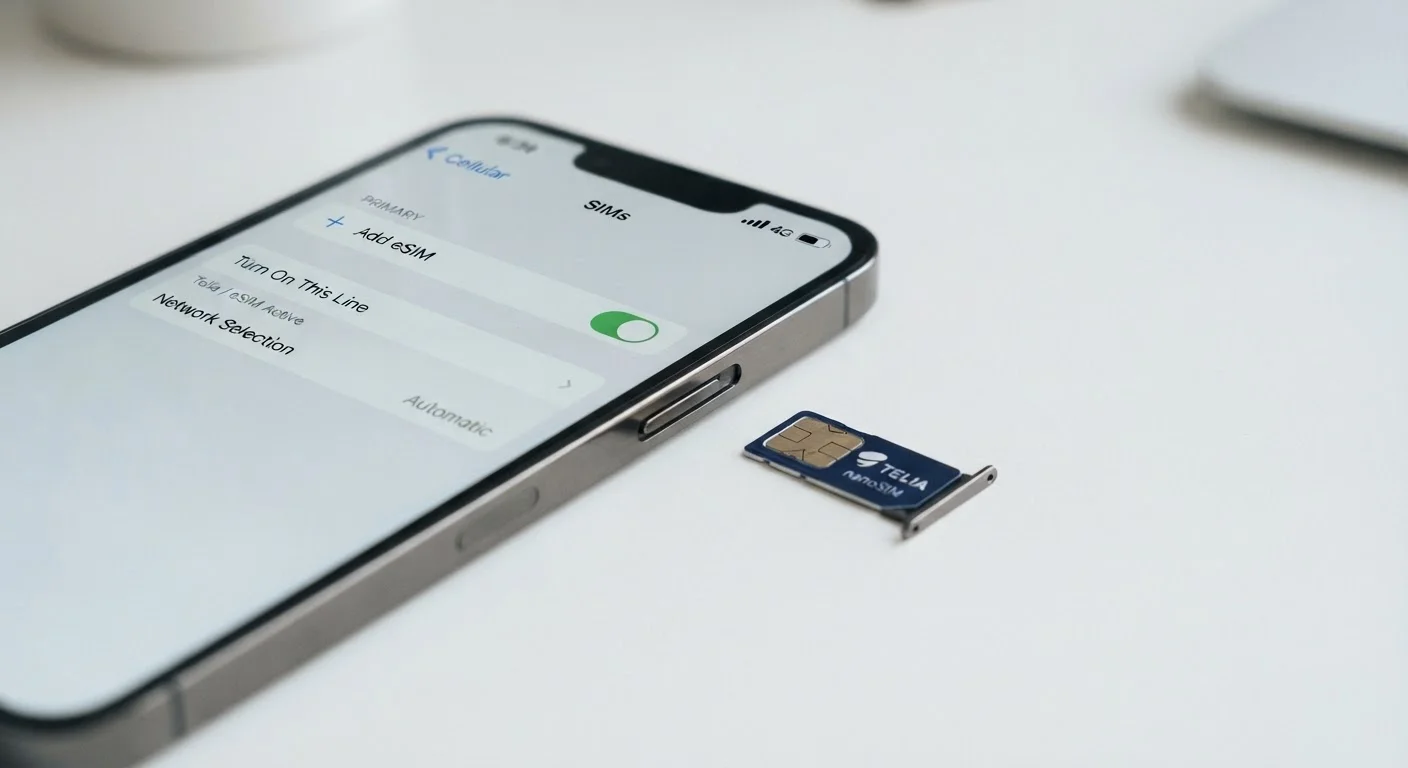
A physical SIM (Subscriber Identity Module) is a small removable chip - currently in nano-SIM size on most modern phones - that stores your carrier credentials. You insert it into a dedicated slot, and your device authenticates to the network. Lose it, damage it, or switch carriers, and you physically replace it.
An eSIM (embedded SIM) performs the same authentication function but uses a chip soldered directly onto the device's motherboard. Instead of swapping plastic, you download a carrier profile digitally - either by scanning a QR code, using a carrier app, or calling the carrier to provision the line remotely. The underlying network communication is identical; what changes is how credentials are delivered and stored.
For a plain-language breakdown of related telecom terms, see The Mobile Plan Terms Glossary Every Shopper Should Bookmark.
| Criterion | Physical SIM | eSIM |
|---|---|---|
| Form factor | Removable plastic chip (nano-SIM) | Soldered chip, no physical card |
| Activation method | Insert card; connects automatically | Download profile via QR code or carrier app |
| Carrier switching speed | Requires new SIM (store or mail) | Minutes, entirely over-the-air |
| Device compatibility | Nearly universal across all phones | Requires compatible hardware (recent mid-range/flagship) |
| Multiple lines on one device | Dual-SIM slot required | Multiple profiles stored; dual-SIM via eSIM + slot |
| Network performance | Identical to eSIM on same plan | Identical to physical SIM on same plan |
| MVNO support | Broadly supported | Varies; some MVNOs physical-SIM only |
| Risk of physical loss/damage | Card can be lost or damaged | No removable part to lose |
Setup, Switching, and Day-to-Day Use
Setting up a physical SIM is tactile and carrier-agnostic in practice: get the card, insert it, and the phone generally connects within minutes. Switching carriers means obtaining a new SIM - either in-store, by mail, or from a vending kiosk - and swapping it out.
eSIM provisioning cuts out the physical step. Most major U.S. carriers - including the three national networks - support eSIM activation for compatible devices, though the experience varies. Some carriers provision instantly via their app; others require a short call to customer support. If you're exploring how the major carriers differ structurally, How the Big Three U.S. Carriers Structure Their Networks Differently offers useful context.
Day-to-day, neither format affects call quality, data speeds, or network priority - those are determined by your plan and the carrier's infrastructure, not your SIM type. Where eSIM has a practical edge is in carrier portability: switching can happen in minutes without visiting a store. However, some smaller carriers and MVNOs still rely on physical SIMs exclusively. MVNOs Explained: The Smaller Carriers Running on the Same Towers covers why those operators may lag in eSIM support.
~50%
Global smartphone eSIM adoption rate by 2023
Industry analysts at Counterpoint Research estimated roughly half of all smartphones shipped globally in 2023 included eSIM capability, up sharply from under 10% in 2018.
3
Major U.S. national carriers supporting eSIM
All three major U.S. national carriers - Verizon, AT&T, and T-Mobile - offer eSIM activation for compatible devices, though provisioning processes differ between them.
Minutes
Typical eSIM carrier switch time vs. hours for physical SIM
Carrier provisioning via eSIM typically completes in under 15 minutes when done through a carrier app, compared to store visits or mail delivery times for physical SIM replacements.
Compatibility, Security, and What to Watch For
Device compatibility is the most important practical constraint. eSIM support is standard on flagship smartphones from roughly 2018 onward and increasingly common in mid-range devices, but it is not universal. Budget phones, feature phones, and many devices sold outside the U.S. market may lack an embedded SIM chip entirely.
On the security side, both formats carry similar risks and protections. Physical SIMs can be physically stolen or used in SIM-swapping fraud - where an attacker convinces a carrier to transfer your number to a SIM they control. eSIM doesn't eliminate SIM-swapping risk, since the attack targets carrier account verification rather than the card itself. In either case, strong account credentials and multi-factor authentication on your carrier account matter more than SIM format.
One hardware consideration worth knowing: some devices - particularly newer iPhone models - have moved entirely to eSIM in certain markets, removing the physical SIM slot altogether. If you're planning a carrier switch around a new device purchase, confirming eSIM support before and after is important. See Switching Carriers Without Losing Your Number or Phone for a step-by-step guide on navigating the full switching process, including number porting.
eSIM and International Travel: A Key Distinction
When traveling internationally, eSIM allows you to add a local carrier plan without removing your home SIM - keeping your primary number reachable while using local data rates. This works only if your device supports dual-profile operation and the destination carrier offers eSIM provisioning to foreign visitors. Always confirm carrier availability in your destination country before relying on eSIM for international connectivity. For coverage considerations more broadly, 5G Coverage Maps: What They Show and What They Leave Out explains how to read carrier maps critically.