

Smart Shopping

Before You Click 'Buy': A Pre-Purchase Safety Checklist

Share
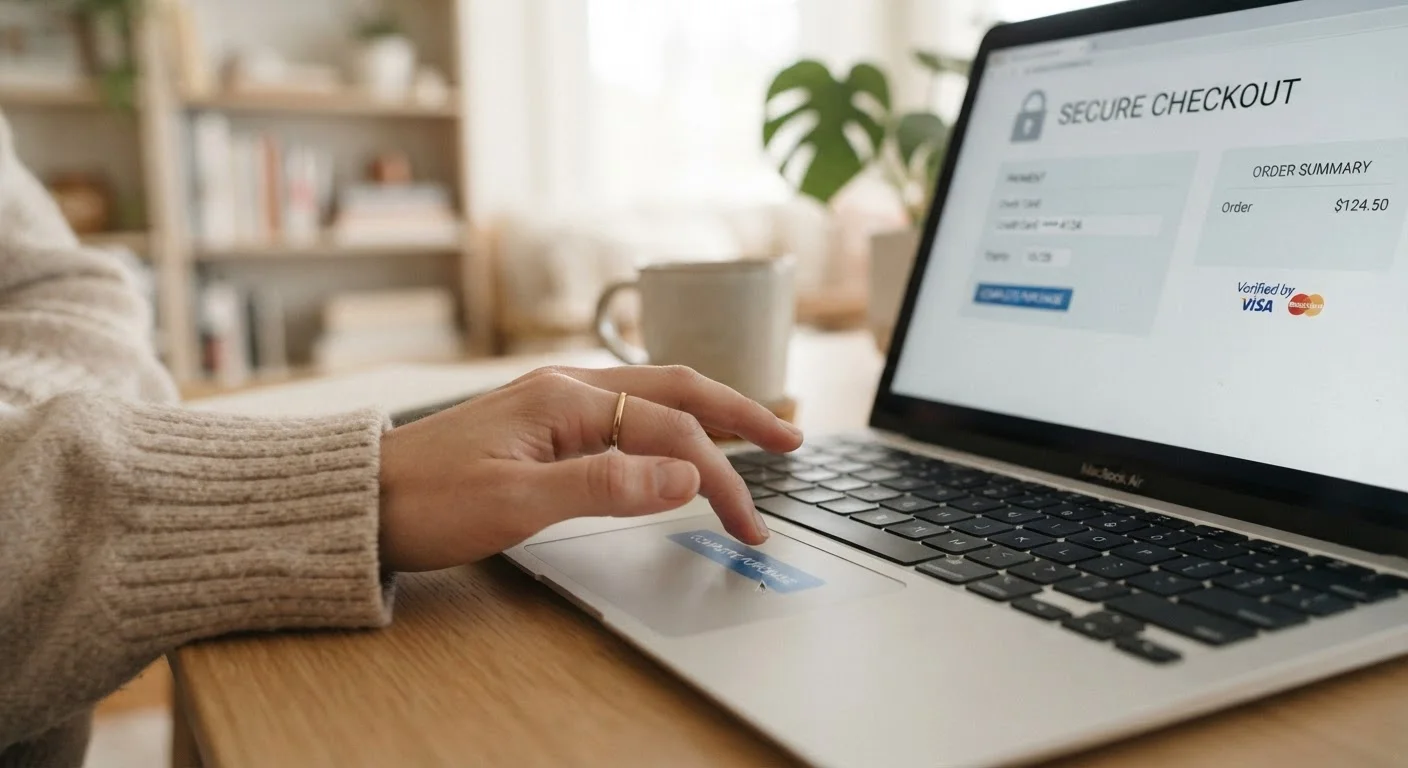
Person pausing before clicking buy on a laptop at an online checkout screen

Key Takeaways

Always verify a site uses HTTPS encryption before entering any personal or payment information.
Legitimate retailers provide clear contact details, return policies, and physical addresses.
Search independently for reviews and complaints — don't rely solely on testimonials on the retailer's own site.
Use a credit card rather than a debit card for stronger fraud protection at online checkouts.
Unusually low prices or high-pressure urgency tactics are common warning signs of fraudulent stores.
5–15 min

Summary

18 items · 5–15 minutes

Why a Pre-Purchase Checklist Matters

Online fraud is not a rare edge case. The Federal Trade Commission consistently reports hundreds of millions of dollars lost to online shopping scams each year. Fraudulent storefronts have grown sophisticated — many copy legitimate site designs, use real brand imagery, and rank in search results. Without a deliberate pause-and-verify habit, even careful shoppers can be caught off guard.

This checklist is designed to take less than 15 minutes and works whether you're buying from a retailer you've never heard of or revisiting one you haven't used in a while. Run through it before you enter any payment or personal details. For a deeper understanding of what sets trustworthy stores apart, see The Anatomy of a Trustworthy Online Retailer. And if you want end-to-end guidance from account setup through dispute resolution, Online Shopping Safety From Start to Checkout covers the full picture.

Site Security

Check that the URL begins with https:// and look for the padlock icon in your browser's address bar before entering any data. Must
Inspect the full URL carefully for subtle misspellings or added characters that mimic a well-known retailer (e.g., "amaz0n" or "walmart-deals-store"). Must
Run the domain through a free WHOIS lookup tool to see when it was registered — recently created domains (days or weeks old) on unfamiliar stores warrant extra caution. Should

Retailer Legitimacy

Locate a working physical address, phone number, and email address on the site's Contact or About page — and verify the address is real using a mapping tool. Must
Read the return and refund policy in full; vague, missing, or all-sales-final policies on unfamiliar stores are a red flag. Must
Confirm the site has a clearly dated privacy policy explaining how your data is collected and used. Should
Search for the company name in your state's business registry or the Better Business Bureau database to verify it is a registered entity. Nice to have

Independent Review Research

Search the store name plus words like "scam," "complaint," or "review" in a search engine to surface independent consumer experiences. Must
Check third-party review platforms (such as the BBB or Trustpilot) for patterns of unresolved complaints — one or two negative reviews are normal, but consistent patterns are not. Should
Look up the retailer on the FTC's Consumer Sentinel complaint database or your state attorney general's consumer protection page if you have serious doubts. Nice to have

Pricing and Offer Sanity Check

Compare the listed price with prices at several other established retailers — a price that is dramatically lower than the market rate is a common lure used by fraudulent stores. Must
Ignore countdown timers, "only 2 left" warnings, or other urgency cues designed to pressure you into skipping your due diligence. Must
Check whether shipping costs, taxes, and any handling fees are disclosed before the final checkout step — unexpected fees added at the end can signal deceptive pricing. Should

Payment Safety

Pay with a credit card or a payment service that offers buyer protection rather than a debit card, bank transfer, wire, gift card, or cryptocurrency — these latter methods offer little to no recourse if something goes wrong. Must
Confirm the checkout page URL still shows HTTPS immediately before entering your card number, as some sites redirect to insecure pages at this step. Must
Opt for guest checkout if you do not plan to be a repeat customer, to limit the personal data the retailer stores about you. Should

After You Order

Save or screenshot your order confirmation, receipt, and any stated delivery window before closing the page. Must
Monitor your payment account statement within 48–72 hours of purchase to catch any unauthorised charges early. Must
Know the dispute deadline for your payment method and initiate a chargeback or complaint promptly if the item does not arrive or differs significantly from what was described. Should

Tools You'll Need

None of the checks below require paid software. The tools listed here are free, widely available, and take seconds to use. Having them ready before you start speeds up the whole process.

Required

Web browser address bar

Check for HTTPS and inspect the full URL for misspellings or suspicious domain patterns.

Required

WHOIS lookup tool (e.g., ICANN Lookup)

Find out when a domain was registered and who owns it, helping you spot brand-new or anonymised storefronts.

Required

Search engine

Run independent scam and review searches for the retailer outside of the retailer's own site.

Optional

Better Business Bureau (bbb.org)

Look up complaint histories, ratings, and any unresolved disputes filed against the business.

Optional

Google Maps or equivalent mapping tool

Verify that the physical address listed on the site corresponds to a real, plausible business location.

Making Smart Decisions at Checkout

Once you've cleared the checklist, a few smart habits at the payment stage add another layer of protection. How you pay matters as much as where you pay. Credit cards generally offer stronger fraud-dispute rights than debit cards — for a side-by-side breakdown, see Debit Card vs. Credit Card for Online Purchases. If a site prompts you to create an account, it's worth understanding the privacy and security trade-offs between guest checkout and account creation before you decide.

Never Pay by Wire Transfer or Gift Card

Legitimate online retailers do not request payment via wire transfer, bank transfer, or gift card codes. If a checkout process or a follow-up email asks you to pay this way, stop the transaction immediately. These payment methods are irreversible and are the preferred tools of fraudulent operators precisely because chargebacks and refunds are impossible once the funds move.

Finally, this safety checklist pairs naturally with a product comparison checklist — verifying a store is legitimate is step one, but confirming the product itself meets your needs is equally important before you commit.

Smart Shopping Editorial Team is the collective byline for our editorial team and contributor network. Articles published under this byline or an editorial pen name are researched, written, and reviewed according to our editorial standards for clarity, consistency, and independence before publication.

View all articles by Smart Shopping Editorial Team →
Disclaimer: The content on this site is provided for informational purposes only and should not be considered a substitute for professional advice. While we strive to provide accurate and up-to-date information, we make no guarantees regarding its completeness or accuracy. Always consult a qualified professional for advice specific to your circumstances before making any decisions.