

Key Takeaways
URL (Web Address)
A URL - short for Uniform Resource Locator - is the string of text in your browser's address bar that points to a specific page on the internet. Every URL has a structured anatomy: a protocol, a domain name, and often a path to a specific page. Learning to read each part lets you assess a site's legitimacy before you ever click a link or enter personal information.
The domain name itself is registered through accredited registrars and managed by ICANN, meaning the registrant of record is publicly searchable via WHOIS lookup tools.
The Basic Anatomy of a URL
Every web address follows a predictable structure. Breaking it into parts makes it far easier to evaluate at a glance.
- Protocol - The opening segment, either
http://orhttps://. The s stands for secure and indicates your connection to the site is encrypted using TLS (Transport Layer Security). - Subdomain - Any text before the main domain name, such as
shop.orsecure.. Subdomains are created by whoever owns the registered domain - which matters for how you interpret them. - Registered domain - The core identifier, such as
example.com. This is the only segment that definitively identifies who owns the site, because it requires a registered purchase from an accredited registrar. - Top-level domain (TLD) - The extension:
.com,.org,.net, or hundreds of others. TLD choice alone is not a reliable trust signal. - Path - Everything after the first forward slash, pointing to a specific page or file within the site.
When you learn to identify the registered domain quickly, you've acquired the most important URL-reading skill there is.
Why HTTPS Is Necessary but Not Sufficient
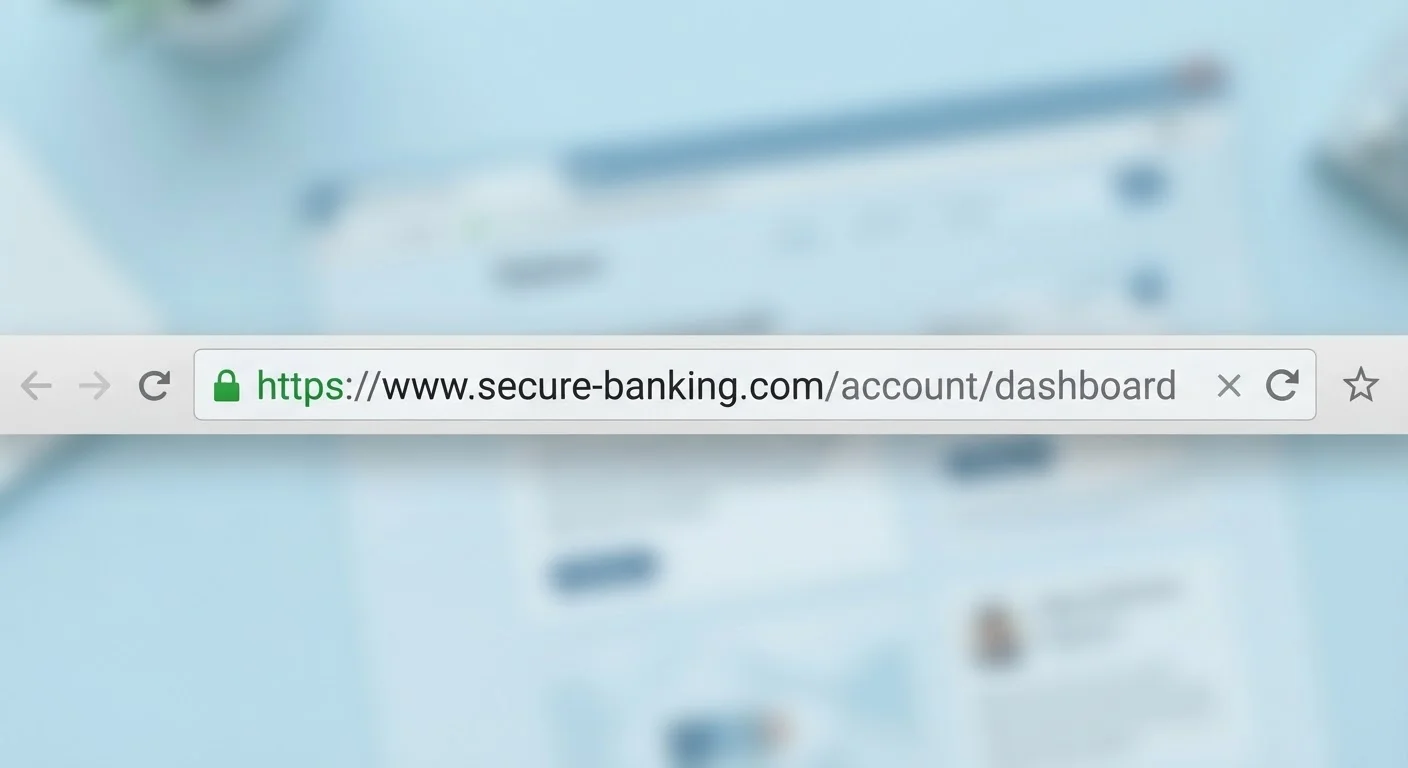
The padlock icon and https:// prefix tell you one specific thing: data traveling between your browser and the server is encrypted. That protects your password or payment number from being intercepted over a shared Wi-Fi network, for example.
What HTTPS does not tell you is anything about the honesty or legitimacy of the site operator. Certificates that enable HTTPS are inexpensive and widely available - fraudulent storefronts obtain them routinely. According to the FBI's Internet Crime Complaint Center, phishing sites increasingly use HTTPS to appear credible.
The practical rule: refuse to enter any sensitive information on a site that lacks HTTPS, but do not treat its presence as a clean bill of health. Combine it with the other checks described below.
Free HTTPS certificates are widely available
Services like Let's Encrypt issue free, automated HTTPS certificates to anyone - including operators of fraudulent sites. This is one reason why the presence of a padlock icon has become a poor standalone indicator of site legitimacy. Regulators and browser makers continue to explore ways to make trust signals more meaningful, but for now, treat HTTPS as a floor, not a ceiling.
The Registered Domain: The Only Part That Truly Matters
Fraudsters know that most people skim URLs rather than read them carefully. Two common manipulation techniques exploit that habit:
Misleading subdomains
A bad actor who owns fakescam.com can create the subdomain amazon.fakescam.com. At a quick glance, the word "amazon" is right there - but the registered domain is fakescam.com, not Amazon's. Always anchor your reading to the text immediately before the TLD.
Lookalike (homograph) domains
These substitute characters that look similar to the real ones: a zero for the letter O, a numeral one for a lowercase L, or an added hyphen. Examples include paypa1.com or pay-pal-security.com. Reading the domain character by character - rather than pattern-matching the general shape of the word - catches most of these.
For more on how convincing these imitations can be, see why familiar-looking sites can still be scams.
88%
Of phishing sites use HTTPS
The Anti-Phishing Working Group (APWG) has reported that the large majority of phishing sites observed in recent years use HTTPS, underscoring that encryption alone does not indicate legitimacy.
~$10.3B
US internet crime losses reported in 2022
According to the FBI's Internet Crime Report 2022, Americans reported over $10.3 billion in losses from internet crime, with phishing among the most frequently reported complaint types.
Reading URLs in Links vs. the Address Bar
The address bar shows you where you actually are. But links - whether in emails, social posts, or search results - show you where you might go, and those two things can differ completely.
Displayed link text is cosmetic. A phishing email can render the text www.yourbank.com while pointing to an entirely different domain. To see the real destination before clicking:
- Desktop: Hover your cursor over the link and read the URL that appears in the browser's status bar (usually bottom-left of the window).
- Mobile: Long-press the link to trigger a preview menu that shows the actual URL.
- Email clients: Most allow you to right-click a link and choose "Copy link address," then paste it into a text editor to inspect it safely.
This habit is especially important when responding to order confirmations or shipping alerts. See our related article on how phishing emails hijack the online shopping experience for a fuller breakdown of those tactics.
Putting It Together: A Quick URL Check Routine
Before entering payment details or personal information on any site, run through this short mental checklist:
- Confirm
https://is present. - Identify the registered domain - the segment immediately before the TLD - and compare it to the brand's known official address.
- Read the domain character by character for look-alike substitutions.
- Check whether any subdomain language is trying to impersonate a trusted brand.
- If you arrived via a link, verify the URL in the address bar matches where you intended to go.
This routine takes under ten seconds and covers the most common URL-based deception patterns. Pair it with the broader signals covered in the anatomy of a trustworthy online retailer and you'll have a solid foundation for evaluating any unfamiliar site.
Use a search engine to navigate, not a link
When in doubt about whether a link is legitimate, don't click it. Instead, open a new browser tab and search for the company's name directly. Navigate to the site from a search result you trust, or type the known official address manually. This eliminates the risk from misleading link text entirely.